
Key takeaways
- Ask "what was different this time?" when a reliable process suddenly fails.
- Compare people, equipment and software, procedures, environment and timing side by side.
- Look for combinations of an old change and a recent one.
- Watch event trends after every major change; clusters often appear before any single investigation finds the cause.
What change analysis is
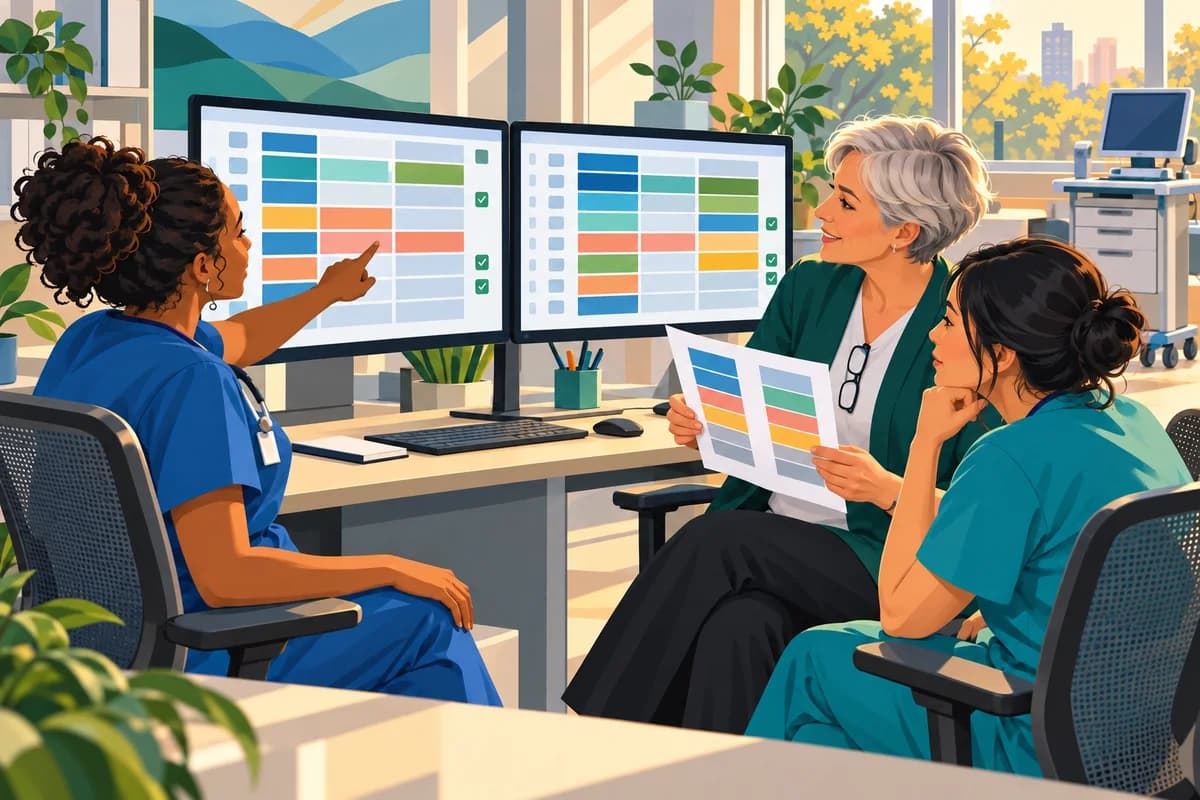
Change analysis compares the situation in which an event happened with a comparable situation in which it didn't, and lists every difference. The logic is simple: if a process has run safely for a long time and then fails, something changed, and that difference, alone or combined with others, may be the cause.
It is a long-standing investigation technique, closely related to Kepner-Tregoe problem analysis. The US Department of Energy's root cause guidance recommends it when the cause of a problem is obscure, and warns about compounding changes: an old change and a recent one that cause trouble only together.
Change analysis works best alongside other tools. A fishbone maps the categories of possible causes; change analysis fills them with specific, checkable differences. A 5 Whys chain follows one line of reasoning; change analysis checks whether a recent change explains the event more directly before the team commits to that line.
When to use change analysis
Use change analysis when a process with a good track record suddenly fails, and the question is "what was different this time?" rather than "what has always been wrong?". Start soon after the event, while memories are fresh and records of normal conditions are easy to find.
It is also the right tool when a cluster of events follows an organizational change, such as a new EHR module, a policy update, a new staffing model or a renovation, and the timing suggests a link but the mechanism isn't yet clear. Event trends often reveal that link before any single investigation does.

ImprovementFlow
Safety Reporting
Safety Reporting lets you look across events by department, severity and tag over time, which helps you notice when event patterns shift after a change, and opens a linked A3 when the change needs fixing.
How to run a change analysis
- 1Describe the event situation in detail: who, what, where, when and how.
- 2Describe a comparable event-free situation: the same process on a normal shift, or the same unit before the change.
- 3Compare the two side by side and list every difference: people and staffing, equipment and software, procedures, environment, timing and organizational context.
- 4Note recent changes even if they seem unrelated, and look for combinations of old and new changes.
- 5Test each difference: could it have caused or contributed to the event? Check the strongest candidates with data, simulation or direct observation.
- 6Feed confirmed causes into corrective action, and add a check to how future changes are introduced.
Example: medication errors after an EHR update
This is an illustrative example. A hospital's quality team notices more reports of medication administration errors on three inpatient units in the weeks after a scheduled EHR update.
A change analysis compares the units before and after the update. Staffing, census and medication supply are unchanged. The update, however, had changed how the medication administration record grouped doses due at similar times, a change missing from the release notes and the staff communication.
A short simulation with nurses confirms that the new layout makes it easy to confuse medications due at the same time by different routes. The team asks the vendor to restore the grouping, sends interim guidance to the units, and adds a clinical review of display changes to the EHR change process.
How ImprovementFlow supports this
- Safety Reporting lets reviewers look across events by department, severity and tag over time, which helps show when event patterns shift after a change.
- Each event is routed to the right review team and tracked to action with an owner and a status.
- When a change turns out to be the cause, a reviewer can open a linked A3 improvement project from the reports, and named reporters hear what changed.