

ImprovementFlow · Leadership Programs
Daily huddles that keep going, from the unit to the C-suite
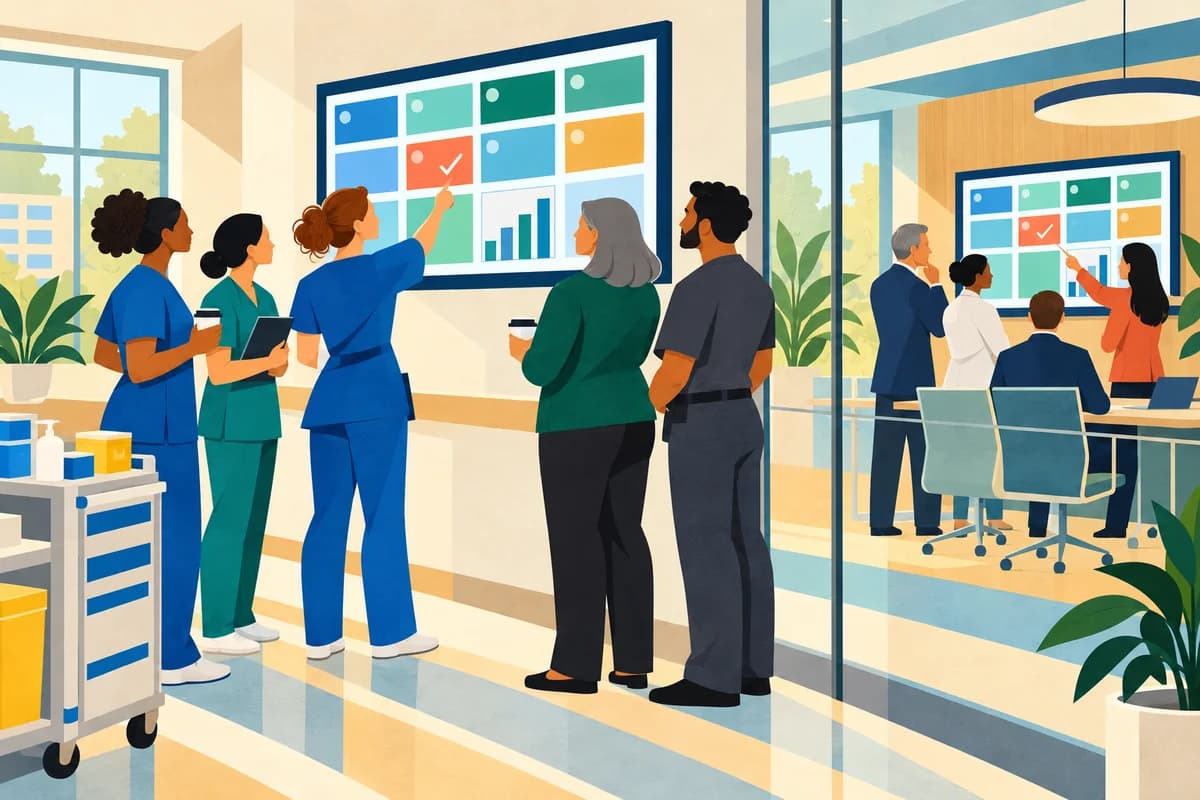
Digital huddle boards your teams build and change themselves. Metrics, action items, escalations and recognition sit in one view, so an issue raised at the morning unit huddle reaches the leaders who can resolve it.
Sound familiar?
What we hear from huddle leaders using standard approaches
Common frustrations with the usual tools and workarounds — the gaps ImprovementFlow is built to close.
Our whiteboard works — until someone at another site needs to see it.
We escalate the same issue every week and never hear what happened.
Huddles launched with real energy. Six months later, half the units had stopped.
How it works
One huddle day, connected
Keep the huddle structure you already use. ImprovementFlow connects the tiers so nothing has to be rewritten or re-explained.
- 1
The unit huddles at the board
In a few minutes the team reviews safety, staffing, today's metrics and wins — on a shared screen, a tablet or from home.
- 2
Escalate what the unit can't fix
An item that needs help is flagged to the next tier straight from the board, with its context attached.
- 3
Department leaders see it before they meet
Tier 2 reviews escalations from every unit in one view, then resolves them or raises them to Tier 3.
- 4
Leadership sees the whole system
Tier 3 sees what is blocking frontline teams across departments and sites, and assigns owners.
- 5
Follow through and recognize the wins
Action items carry an owner and due date, and recognition sits on the same board, so huddles celebrate progress as well as surfacing issues.
After the last step, the loop returns to step 1: Tomorrow's huddle picks up where today's left off
In practice
Watch an escalation travel up the tiers
Each tier keeps its own board. Items the unit can't resolve move up with their context, instead of being retold in every meeting.
Tier 1
Example: 7:15 am
4 West unit huddle
- 2 call-outs on nights
- Fall-free day 41
- Kudos: Maria, rapid response
- Escalated ↑Bed alarm batteries failing
Tier 2
Example: 8:30 am
Medical-surgical department
- Discharge-before-noon trend
- Float pool coverage
- Escalated ↑Bed alarm batteries failing
Tier 3
Example: 9:30 am
Hospital leadership
- Capacity across sites
- Staffing outlook
- Owner assignedBed alarm batteries — owner: Facilities
Illustrative board contents and timings. Your teams set their own tiers, cadence and board layout.
Who it's for
Something useful for everyone involved
- Frontline staff
- A voice in a few minutes a day, and a visible answer when they raise something.
- Unit managers
- Run the huddle from any screen. No more redrawing the whiteboard every morning.
- Directors and service-line leaders
- Every unit's escalations in one place before their own huddle starts.
- Executives
- A live view of what is getting in the way of frontline teams across the system.
- Quality and improvement teams
- Recurring issues across units, ready to become improvement projects.
What changes
From working around the problem to working on it
Today
- Whiteboards rewritten every shift
- Escalations passed on by memory and email
- Leaders visit units to see what's going on
- Huddles fade when the champion moves on
With ImprovementFlow
- Boards teams build and change themselves
- Escalations move up with their history attached
- Every tier sees the boards it needs, from any device
- Recognition alongside metrics and escalations
Built for the way huddles actually run
- Keep your structure
- Start from the tiers, times and topics you already use. Nothing about your huddle method has to change.
- Owned by the teams
- Teams build and change their own boards, so the huddle keeps working after the launch champion moves on.
- Secure from day one
- HIPAA compliance, a BAA and SSO are included in every package.
See how this would work for your teams
We typically respond within one business day.
Getting started
Your first 90 days
Start with a few units and one department huddle, then add leadership once the rhythm is working.
Weeks 1–2
Choose two or three pilot units and their Tier 2 huddle. Teams build their own boards with us in a working session.
Weeks 3–6
Huddle daily. Adjust metrics and board layouts as the teams learn what they actually use.
Weeks 7–12
Connect Tier 3 leadership, review how escalations flowed and decide where to expand.
Frequently asked questions
- Do we need IT to build or change boards?
- No. Teams build and configure their own boards — metrics, charts, task lists, recognition and more — and typically learn how in minutes. IT is involved only in your organization's normal approval for a new service, such as SSO.
- How do escalations work?
- Any card on a board can be escalated to the next tier's board, so the issue arrives with its context instead of being retold in the next meeting. You decide which boards each tier escalates to.
- Can we keep our existing huddle structure?
- Yes. Start from the tiers, times and topics you already use. ImprovementFlow connects them rather than asking you to adopt a new huddle method.
- Can boards be used on a shared screen on the unit?
- Boards are accessible from any device — a screen on the unit, a conference room display, a tablet or a laptop at home.
- Does it work across several sites?
- Yes. Unlike a physical whiteboard, the same boards and escalations are visible to every site and leader who needs them.
- What about security?
- HIPAA compliance, a BAA and SSO are included in every package.
Often used alongside
 GoodCatch
 Safety Reporting
 Improvement Projects
 4DX
Contact us
See your huddle structure on ImprovementFlow
Bring your current tiers and huddle times. We'll show how they connect, from the unit board to leadership.
We typically respond within one business day.
Prefer email? info@communify.us