

ImprovementFlow · Reporting Programs
Safety reporting that's quick for staff and keeps moving as reports multiply
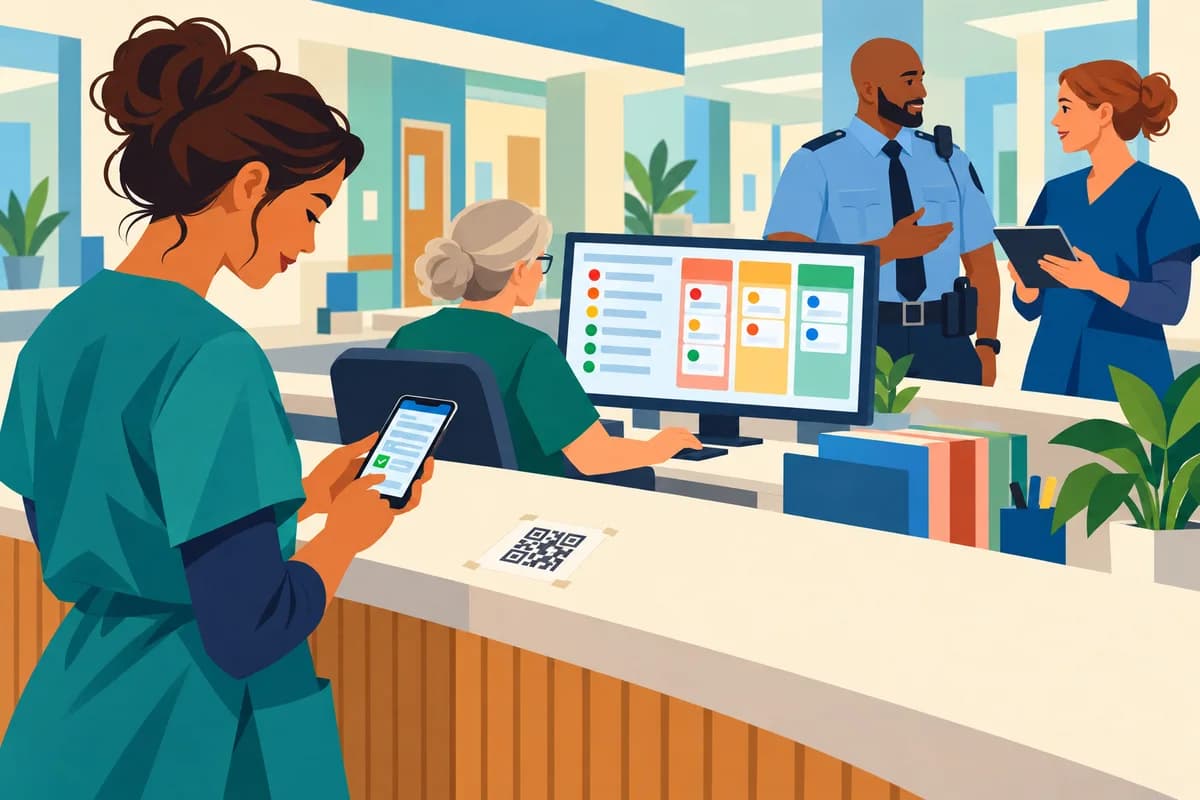
Staff report a safety event or process concern, including workplace violence, from their phone or a desktop in under a minute, as themselves, as a team or anonymously. Each report goes to the right review team by event type, department and severity, with a named owner instead of waiting in one inbox, so your program can take on many more reports across sites and service lines without the safety office becoming the bottleneck. Reporters hear what came of it.
Sound familiar?
What we hear from patient safety and risk leaders using standard approaches
Common frustrations with the usual tools and workarounds — the gaps ImprovementFlow is built to close.
Staff tell me it's quicker to mention it at the desk than to log into the reporting system.
Every report lands in my queue, and I spend my mornings deciding who should look at it.
Since we added the two community hospitals, the queue never empties. It's still the same three of us reviewing everything.
How it works
One report, from a phone on the unit to a closed loop
Keep your event categories and review structure. ImprovementFlow makes reporting quick for staff and shares review across the teams who own each kind of event, with a clear path and a named owner for every report.
- 1
Report in under a minute, from wherever it happened
Staff submit from a phone, tablet, desktop or shared kiosk, or scan a QR code posted on the unit, and the form asks for what reviewers need and nothing more. They can report as themselves, as a team or anonymously, and you set the anonymity options separately for each report form.
- 2
Route it to the team that reviews it
Each report goes to the right review team instead of a single inbox — security for a threat at triage, pharmacy for a medication concern, facilities for failing equipment. Severity can route within a category too, so a medication event at NCC MERP Category E or above goes to the pharmacy director.
- 3
Review in parallel, with an owner and a status
Each event carries reviewers, an owner (the Champ), the teams involved, a status, a severity and tags, so review happens across teams at once and nothing sits unclaimed. When a unit can't resolve an event, it can be escalated to the next tier. Every event keeps an audit trail of what changed and who changed it.
- 4
See patterns across sites and service lines
Look across events by department, site, service line, severity and tag to see what keeps recurring, and open a linked A3 improvement project when a fix needs real work.
- 5
Close the loop with the reporter
Named reporters receive feedback on what was done. Everyone who submits sees what happens next, including people who chose to stay anonymous.
After the last step, the loop returns to step 1: The reporter hears what changed — and reports again
In practice
Three reports from one ED, routed to the people who can fix it
Three staff reported from their phones during their shifts, and each report went straight to the teams that own it. Read one at a time, they look like separate incidents. Reviewed together, they point to a triage desk that isn't safe to work at.
Event reports this month
- Verbal threat: a visitor shouted threats at the triage nurse
- Physical assault: a staff member was grabbed in the waiting room
- Equipment: the triage panic button didn't alert security
Workplace violence — ED triage area
Routed to the teams that own each event:
- Security
- ED nursing leadership
- Facilities
- Employee health
Linked action plan
Make the ED triage desk safer to work at
Champ: ED nurse manager, with the security lead
- Repair and test the panic button
- Redesign the triage desk barrier
- Check in with the staff involved
Measure: Workplace violence reports from ED triage
Illustrative example with no patient information. You define your own event categories, routing rules and review teams.
Who it's for
Something useful for everyone involved
- Frontline staff
- A short form on whatever device is closest, done in under a minute, the option to stay anonymous, and word back on what changed.
- Unit and department managers
- The events from their area, with the owner, status and next step in one place, without waiting for the safety office to forward them.
- Patient safety and risk managers
- Reports that arrive already routed to the teams that own them, so they oversee review instead of sorting every report, plus the patterns across departments, sites and service lines and the ability to change forms and routing themselves without waiting on IT.
- Security and workplace violence committees
- Verbal threats, physical assaults and other violence events in their own categories, routed straight to them.
- Executives and safety sponsors
- A view across sites and service lines of what is being reported, what is still open and what the organization did about it.
What changes
From working around the problem to working on it
Today
- Reporting means finding a computer and a long form
- The safety office triages every report by hand
- More reporting, or another hospital, means a longer backlog
- Violence events go unreported or live in a separate log
- Reporters never hear what happened
With ImprovementFlow
- A short form on a phone or desktop, or a QR code on the unit
- Routing by severity to the review team that owns each event
- Review shared across teams, with views across sites and service lines
- Workplace violence categories alongside every other event
- Feedback to named reporters, and what happens next for everyone
Built for quick reporting and review at health-system scale
- Quick and safe to report
- A short form on any device or a QR code on the unit. Staff can report as themselves, as a team or anonymously, with an optional group password on shared submission points, and you set anonymity separately for each report form.
- Review without a bottleneck
- Severity routing, a named owner on every event and escalation across tiers keep reports moving with the teams who own them. Your team configures its own event types, forms, categories and routing without IT — workplace violence events included.
- Ready for system-wide volume
- Consolidated views across departments, sites and service lines, past records imported from your previous system, and an audit trail on every safety event. HIPAA compliance, a BAA and SSO are included in every package.
See how this would work for your teams
We typically respond within one business day.
Getting started
Your first 90 days
Start with the event categories you already use and a few units willing to go first.
Weeks 1–2
Set up your event categories and routing rules with us, name the review team and Champ for each category, and decide which past records to import.
Weeks 3–6
Launch on pilot units with QR codes posted where events happen. Review routing weekly and adjust what goes where.
Weeks 7–12
Look at the patterns, open improvement projects for the recurring ones, and decide which departments to add next.
Guides
Go deeper on safety event reporting
Practical guides for program leads building or rebuilding a reporting program.
- How to build a safety event reporting programGovernance, event taxonomy, triage, analysis and feedback loops — the parts of a program beyond the form.
- Why your staff aren't reportingFriction and futility are the biggest barriers. How to remove both.
- Classifying safety eventsMoving beyond high, medium and low to classification that supports routing and analysis.
- Anonymous vs. identified reportingMatching the level of anonymity to the kind of event being reported.
- Closing the feedback loopWhy reporters who hear nothing stop reporting, and how to make follow-up the default.
- Workplace violence preventionBuilding a workplace violence reporting program and supporting staff after an incident.
Frequently asked questions
- Our staff already have a reporting system they avoid. Why would this be different?
- Most avoidance comes from friction and silence: a long form on a desktop, then no word back. ImprovementFlow keeps submission short and available on any phone, tablet, desktop or QR code, and closes the loop so reporters see their report led somewhere.
- If more staff report, won't our safety team be buried?
- More reporting is the goal, so review shouldn't run through one person. Reports route by severity to the review team that owns them, each event has a named owner and a status, and anything a unit can't resolve can be escalated to the next tier. The safety office oversees the whole picture instead of sorting every report.
- Can one program cover several hospitals and service lines?
- Yes. Reviewers work the events assigned to them, while consolidated views show reporting across departments, sites and service lines. Your team adds forms, categories and routing for new areas itself, without IT.
- Can we use our own event categories and severity levels?
- Yes. Event categories, templates and routing are configured for your organization, and each event carries a severity, status and tags your reviewers can work with. Different event types can use the classification that fits them, and routing can follow severity, such as sending medication events at NCC MERP Category E and above to the pharmacy director.
- Do we need IT to change forms or routing?
- No. Your quality and safety team configures its own event types, forms, categories and routing. When a review team changes or a new kind of event needs its own form, you update it yourself rather than filing an IT ticket.
- Can we bring our past reports with us?
- Yes. ImprovementFlow imports past records from your previous reporting system, spreadsheets or paper archives, so your history and trends come with you. Tell us early what you have, and we'll plan the import with you during setup.
- Does it handle workplace violence events?
- Yes. Workplace violence has its own configurable templates — verbal threats, physical assault and other categories — so those events reach security and your violence prevention committee without a separate log.
- Can staff report anonymously?
- Yes. Staff can submit as themselves, as a team or anonymously, and a shared submission point can require a group password. You choose the anonymity options for each report form separately. Feedback messages go to named reporters; anonymous reporters see what happens next when they submit.
- What happens when a pattern needs more than a quick fix?
- Reviewers can create a linked A3 improvement project directly from a report, so the work to fix the underlying process stays connected to the events that revealed it.
- What about security?
- HIPAA compliance, a BAA and SSO are included in every package.
Often used alongside
 GoodCatch
 Workplace Violence Prevention
 Quality Reporting
 Improvement Projects
Contact us
Bring us your event categories and your backlog. We'll show you where each report goes.
Tell us how safety events reach your team today, who reviews them and where they pile up. We'll walk through one report from a phone on the unit to a closed loop, and how review keeps pace as reporting grows across your sites.
We typically respond within one business day.
Prefer email? info@communify.us